Have questions?
Visit our support and academy for resources and tips to help you succeed.
View resources Not ready yet?
See how other businesses have transformed. Watch their stories and learn from their experiences.
View customer stories Already a ThinkReservations customer?
Reach out to our support team or schedule a meeting and and we'll walk through activation for your property.
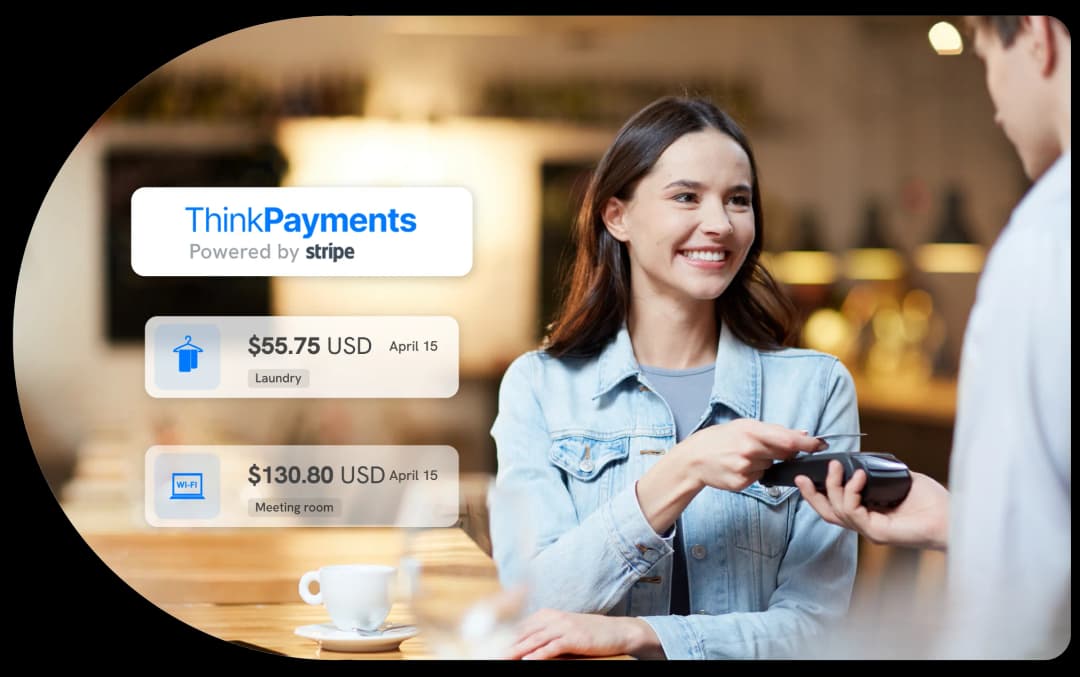
A payment system that follows the guest journey.
Every payment starts with a guest and ends in your bank account—but what happens in between is where most systems break down.
ThinkPayments keeps that entire process connected to the reservation, so nothing gets lost, duplicated, or reconciled manually.
From booking to payout, fully connected.
Here's what that looks like in practice:
Guests book directly through your website or booking engine. Payment details are securely captured at the time of booking, including credit cards and digital wallets like Apple Pay and Google Pay.
No redirects. No external checkout experience. The payment is immediately tied to the reservation it belongs to.
You control when and how payments are collected:
Everything is configured at the rate plan level and automatically tied to the reservation.
As the guest stays at your property, all charges—room nights, incidentals, upgrades—are posted to the folio.
When it's time to charge the guest, the card on file is already securely stored and ready to use.
No re-entry. No switching systems. Every charge stays connected to the same reservation and payment record.
Need to issue a refund or adjust a charge?
It happens directly inside the reservation. The update is reflected in:
No separate systems. No manual updates. Everything stays aligned automatically.
Once payments are processed, funds are deposited into your bank account based on your payout schedule.
Reporting ties every transaction back to:
Everything ties back cleanly, without manual reconciliation. From booking to payout, every payment stays tied to the reservation it belongs to.
Why integration changes everything.
Most payment systems operate separately from the property management system. That separation creates gaps between bookings, payments, and reporting.
ThinkPayments eliminates those gaps by operating inside ThinkReservations—not alongside it. That integration creates a continuous flow that connects every step of the payment process to the reservation, guest folios, and your reporting. The result is a payment system that follows the guest journey, from booking to payout.
Payments are tied directly to reservations, not floating in a separate system.
No switching between systems to complete simple tasks.
Transactions, payouts, and reservations stay aligned automatically.
Flexible payment options for your guests.
ThinkPayments supports the ways guests expect to pay today—while giving you control over how and when you collect funds. Pricing is structured to align with your payment volume and transaction mix, with options tailored to your property.
Features:
Enterprise-grade security, built in.
Payments are processed on Stripe's PCI-DSS Level 1 infrastructure, the highest level of payment security, with built-in fraud monitoring and secure tokenization. Sensitive card data is never stored on your systems, and transaction-level protection runs continuously in the background to help detect and prevent fraud.
You get the benefit of enterprise-grade security without managing it yourself.
Getting started is straightforward and fully guided.
Once you're ready to move forward, onboarding is simple and fully supported by the ThinkReservations team.
The process includes:
From there, we guide you through the activation step by step.
No disruption to your current operations. We guide you through every step of onboarding.
Common questions
How long does onboarding take?
Most properties are up and running shortly after completing onboarding and confirming their transition timing. The ThinkReservations team guides you through each step to ensure a smooth transition.
What does it cost?
Pricing is transparent and based on your selected processing model. Details are reviewed during your demo.
What pricing options are available?
ThinkPayments offers two flexible pricing models designed to fit different property types and transaction profiles:
What payment methods are supported?
ThinkPayments supports major credit cards, digital wallets like Apple Pay and Google Pay, and Buy Now, Pay Later (BNPL) options. International cards are also accepted, with currency conversion handled for reporting.
Do I need hardware to get started?
No. You can begin processing online and card-not-present payments immediately. If you choose to use the S710 EMV device, it can be added separately without delaying your setup.
How is pricing structured?
Pricing is structured to align with your payment volume and transaction mix, with options tailored to your property. During your demo, we'll review your current setup and recommend the best approach.
I'm already a ThinkReservations customer. Can I add ThinkPayments?
Yes. Reach out to our support team or schedule a meeting and and we'll walk through activation for your property.